Free · Local AI upscaling · No image uploads

Enhance photo quality with an AI image upscaler

Make a small picture larger and clearer with 2× or 4× AI upscaling. GeckoShareSafe improves edges and fine detail locally in your browser, then lets you compare the enhanced image with the original before saving.

  • Free single-image tool
  • No account required
  • Your original stays unchanged
AI detail preview
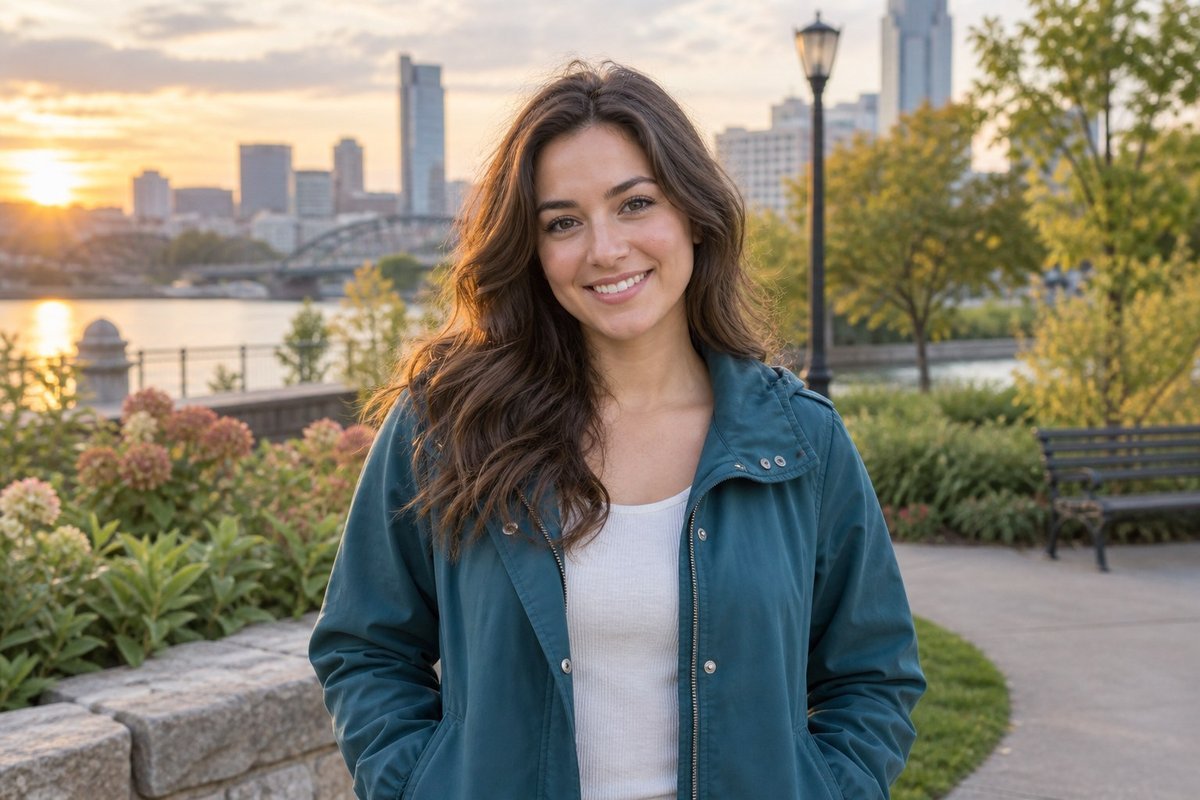
Soft originalSoft preview of a smiling young woman before AI image upscaling
EnhancedClear preview of the same smiling young woman after AI image upscaling

Visual example · Processed on this device

Choose the enlargement

Upscale images to 2× or 4× their original size

The multiplier applies to both width and height. A 1000 × 750 pixel image becomes 2000 × 1500 pixels at 2× or 4000 × 3000 pixels at 4×.

2×

2× AI image upscaling

Double the width and height for a balanced increase that is useful for cropped photos, web graphics and images that need a moderate resolution boost.

  • Four times the total pixel count
  • Good first choice for mildly soft images
  • Smaller output than the 4× option
Open the AI image upscaler
4×

4× AI image upscaling

Multiply both dimensions by four when you need a substantially larger image. The result has sixteen times the original pixel count, subject to the 32-megapixel output limit.

  • Useful for very small source images
  • Can produce 4K-sized output when the source dimensions allow
  • Requires more processing than 2×
Upscale an image by 4×

Simple, controlled enhancement

How to make a picture clearer

The AI upscaler works from the original image each time, so you can compare 2× and 4× without repeatedly enlarging an already processed result.

  1. 1

    Choose an image

    Open the highest-quality original available from your device.

  2. 2

    Select 2× or 4×

    Choose the enlargement that fits the dimensions you actually need.

  3. 3

    Let local AI enhance it

    The model enlarges the image and improves the appearance of edges and detail on your device.

  4. 4

    Compare and save

    Inspect the enhanced image at full size, then continue and save a new copy.

Where upscaling helps

Give small and mildly soft images more usable resolution

Cropped portraits

Enlarge a tight crop while improving the appearance of facial edges, hair and clothing texture.

Older digital photos

Give a small early-camera image or scanned photo more pixels for viewing and careful reuse.

Social-media graphics

Increase the dimensions of a small graphic before preparing it for a larger post or display.

Print preparation

Create a larger file for a print workflow, then check the result at the intended size before printing.

Private by design

Enhance photos locally, without uploading them

The AI image upscaler runs on your device in the browser. Your selected photo is not sent to an online photo-enhancement service, no account is required, and the original file remains unchanged. After the required app files and AI model are cached, the feature can work offline.

What AI upscaling can and cannot do

More pixels do not guarantee missing detail

Start with the best source. AI can enhance edges and create plausible fine detail, but it cannot know exactly what an unclear original once contained.

Mild softness is the best target. A small or slightly soft picture may look clearer; severe motion blur or badly missed focus cannot be reliably reversed.

Inspect faces, text and patterns. AI-generated detail may look convincing at first glance but differ from the original subject.

Choose the smallest useful scale. Try 2× before 4× when it already provides enough resolution. Larger files take more memory and processing time.

Questions and answers

AI image upscaling FAQ

How can I unblur an image online?

GeckoShareSafe can make a small or mildly soft image appear clearer while enlarging it by 2× or 4×. It is an AI image upscaler rather than a dedicated motion-deblur tool, so it cannot fully restore a severely blurred or out-of-focus photo.

Can the AI image upscaler create a 4K image?

It can produce dimensions that meet or exceed common 4K image sizes when the original is large enough and the selected 2× or 4× scale stays within the 32-megapixel output limit. It does not use a fixed “4K” preset.

What is the difference between 2× and 4× upscaling?

At 2×, both width and height double, producing four times as many pixels. At 4×, both dimensions quadruple, producing sixteen times as many pixels. Both options begin from your original image.

Will AI upscaling enhance photo quality?

It can improve the perceived clarity of low-resolution or mildly soft photos by producing a larger image with enhanced edges and plausible detail. The result depends on the source, so always use the original comparison and inspect important details before saving.

Can I make a picture clearer without changing the original?

Yes. GeckoShareSafe creates an enhanced working result and saves a new copy. Your original image is never overwritten.

Are my photos uploaded for AI enhancement?

No. The upscaling model processes the selected image locally on your device. GeckoShareSafe does not provide cloud image storage or an image-upload service.

Why can’t I select 4× for every image?

Output is limited to 32 megapixels to keep local browser processing practical. If 4× would exceed that limit, choose 2× or begin with a smaller source image.

Ready when you are

Make your image larger and clearer

Choose an image, compare 2× and 4×, then save the result as a new copy.